
Movie Scene Face Swap on Android
Change your face in a movie scene on your Android phone. Choose a template that is in the app, add a clear source face, and process the swap on the device.
Template availability changes as the library is updated

Create with Available Movie-Inspired Templates
Browse the movie-inspired templates currently available in FacePika, choose one, and create a face-swap result on your Android device. Template selection can change over time.
How to Swap Your Face Into Movie Scenes
Become a movie star in three simple steps:
- 1
Pick a Movie Scene
Browse the movie-inspired templates currently available in the app and select the one you want to use.
- 2
Swap Your Face In
Select a clear source photo. FacePika detects its facial features and blends the face with the chosen template.
- 3
Save & Share Your Clip
Review the generated result, save it to your device, or share it through an app you choose.
Movie Face Swap — Frequently Asked Questions
Everything you need to know about swapping your face into movie scenes and celebrity roles.
What movie scenes and celebrity templates are available?
The available library can include movie-inspired photo and video scenes across several styles. Open the app to see the current selection and any credit or Pro requirements.
How often are new movie templates added?
Templates are managed online and may be added, changed, or removed. The app shows the current library.
What is the video and image quality of movie face swaps?
Quality depends on the selected template, source face, device, and media format. Clear, front-facing photos with similar lighting usually blend more naturally.
Can I swap my face with any celebrity in a movie?
You can use templates currently available in the app. Availability, pricing type, and supported media can differ by template.
Can I share my movie face swap clips on social media?
You can use Android's sharing options for supported apps installed on your device. You remain responsible for consent, rights, and appropriate disclosure when sharing AI-edited media.
Explore Our AI Tools
Discover more powerful face swap features powered by FacePika's AI technology.
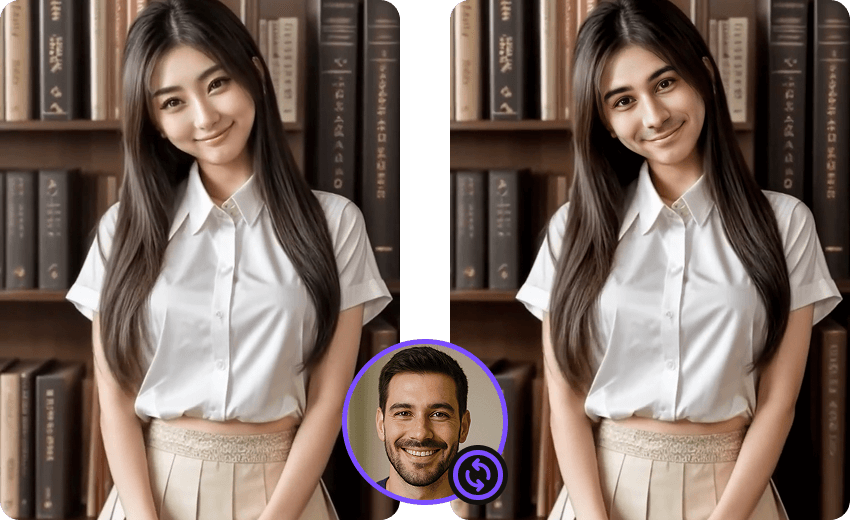
Photo Face Swap
Create face swaps in supported photos with automatic detection and alignment.
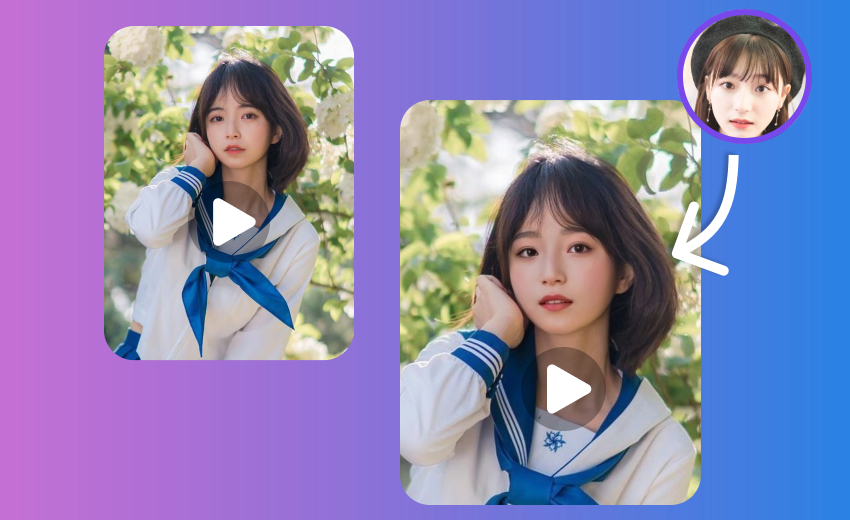
Video Face Swap App
Face swap videos on Android with on-device core processing and a progress preview.
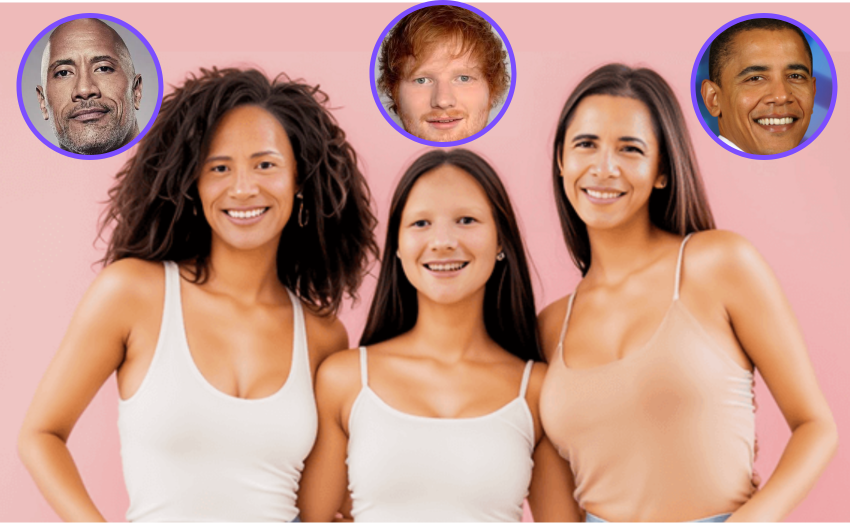
Multiple Face Swap
Swap multiple faces in group photos at once.

Meme Face Swap
Create hilarious memes with face swap in seconds.

Gender Face Swap
Swap your face into a character or style template on Android.

On-Device AI Face Swap
Learn how FacePika detects, aligns, and blends faces on your Android device.
Start Your Movie Face Swap Adventure Today
Download FacePika to explore available movie-inspired templates and create face swaps on your Android device.