
Local Face Swap App for Android
Use FacePika as a local face swap app. The core swap runs on your Android phone. After the required models are downloaded, an offline face swap of your photo or video stays on the device. Templates, accounts, and payments still use the network.
On-device face-swap processing · Results vary with the source media and device

What Runs Inside This Local Face Swap App
FacePika combines mobile face detection with an on-device face-swap model. The app identifies facial landmarks, aligns the selected faces, and blends the result on your Android device.
How the AI Face Swap Works
Three simple steps, powered by sophisticated deep learning under the hood:
- 1
Upload Your Photo
Select a supported photo from your device. FacePika checks the image and detects available faces for the next step.
- 2
AI Processes the Swap
FacePika detects facial landmarks, aligns the selected faces, and generates the blend on your device. Processing time depends on the media and device.
- 3
Save & Share
Review the generated result, save it to your device, or share it through a supported Android app.
AI Face Swap Technology — Frequently Asked Questions
Learn more about the artificial intelligence powering FacePika's face swap engine.
What AI technology powers FacePika's face swap?
FacePika uses mobile face detection and an on-device face-swap model to identify landmarks, align faces, and blend the selected source with the target media.
How accurate is the AI face detection?
Detection quality depends on the image. Front-facing, unobstructed faces with clear lighting usually work best; the app will prompt you when it cannot find a usable face.
How fast is the AI processing?
Processing time depends on your Android device, media resolution and length, and the number of faces being processed. FacePika shows progress during creation.
Which parts of FacePika work on-device?
The core face-swap operation runs on your device. An internet connection is still used to download required resources and templates and to provide updates, accounts, credits, payments, subscriptions, and analytics.
How does the AI handle different lighting and expressions?
The engine uses detected landmarks and image information to align and blend the face with the target. Results vary, especially with extreme angles, occlusion, motion blur, or difficult lighting.
Explore Our AI Tools
Discover more powerful face swap features powered by FacePika's AI technology.
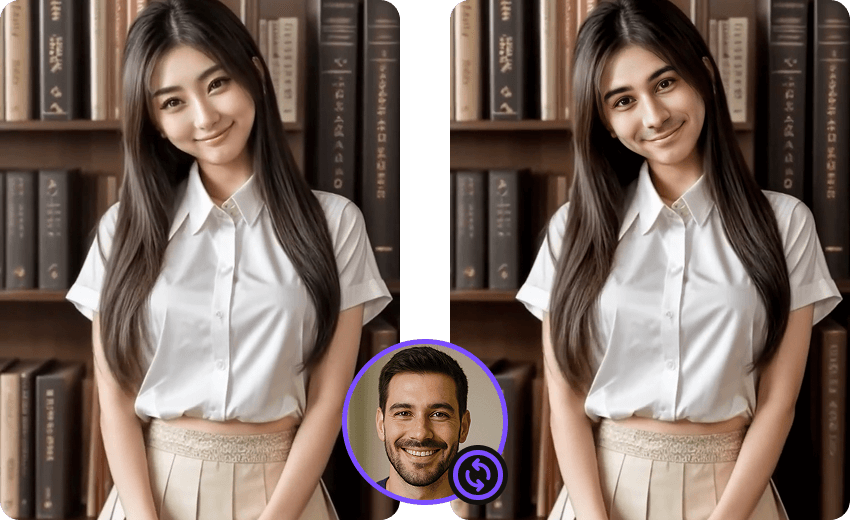
Photo Face Swap
Create face swaps in supported photos with automatic detection and alignment.
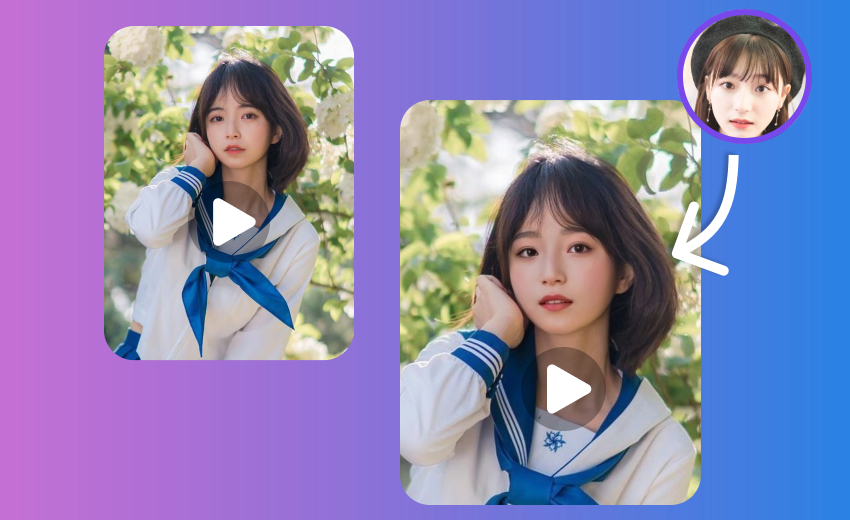
Video Face Swap App
Face swap videos on Android with on-device core processing and a progress preview.
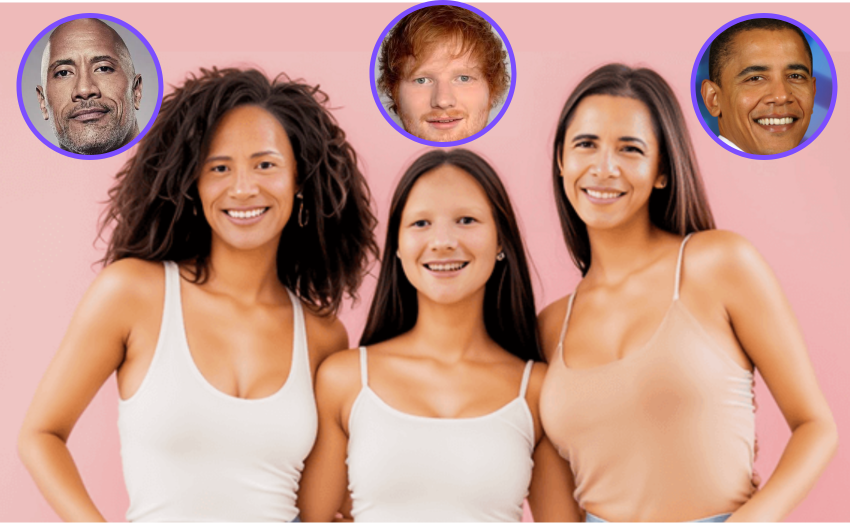
Multiple Face Swap
Swap multiple faces in group photos at once.
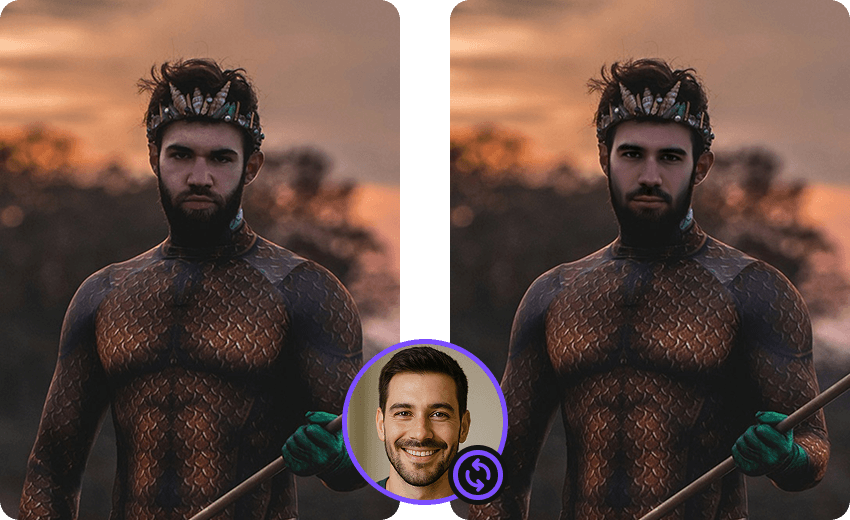
Movie Face Swap
Star in iconic movie scenes with celebrity face swap.

Meme Face Swap
Create hilarious memes with face swap in seconds.

Gender Face Swap
Swap your face into a character or style template on Android.
Experience AI Face Swap Technology Today
Download FacePika to try AI-assisted photo and video face swaps with core processing on your Android device.